Simplify Your Beading Experience

A website for beading projects

with an integrated web app designed for creating and reading beading patterns

How to use it

You can see the basic steps of the app in the short demo and the diagrams below.

    You can use it for:

  • Square Stitch
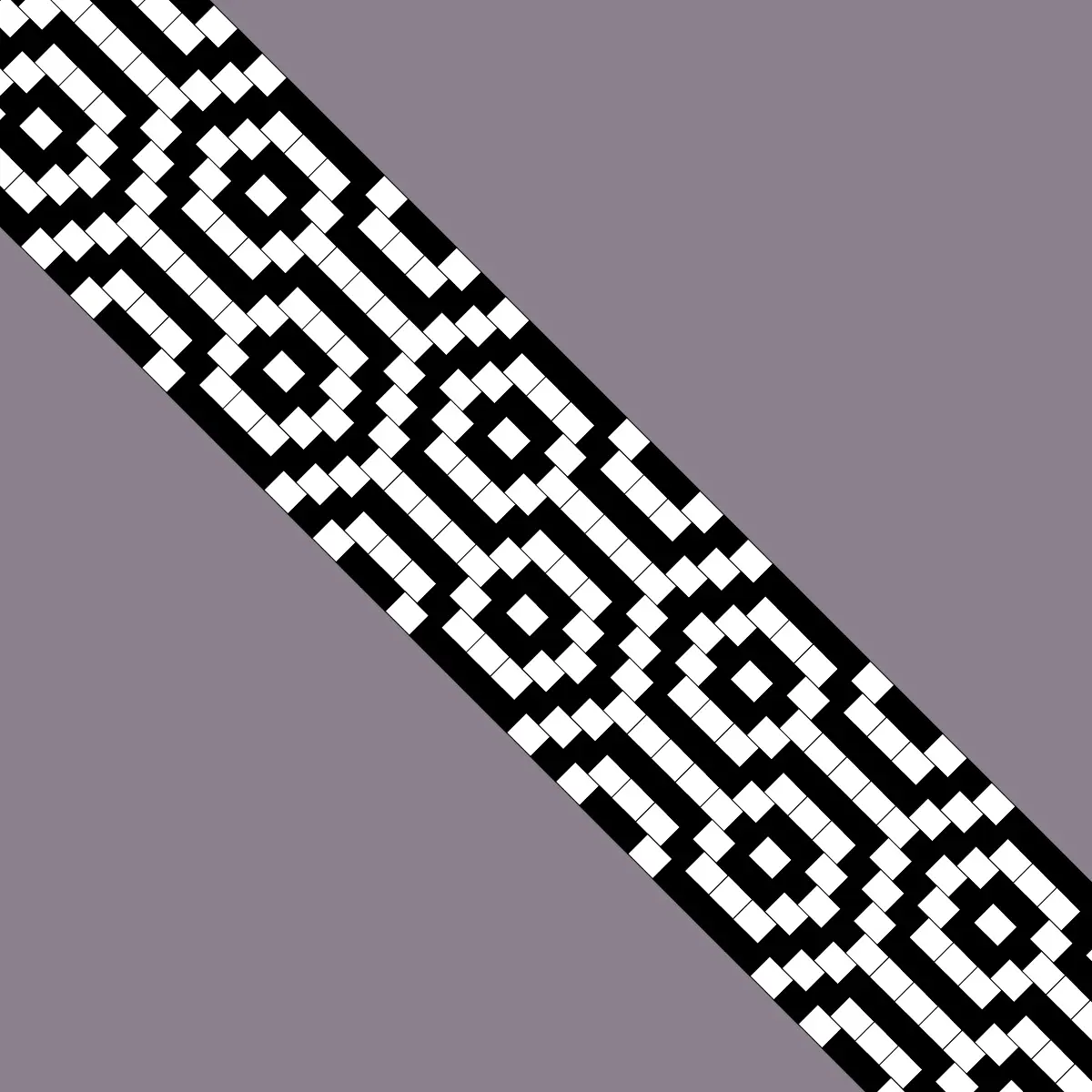
  • Loom
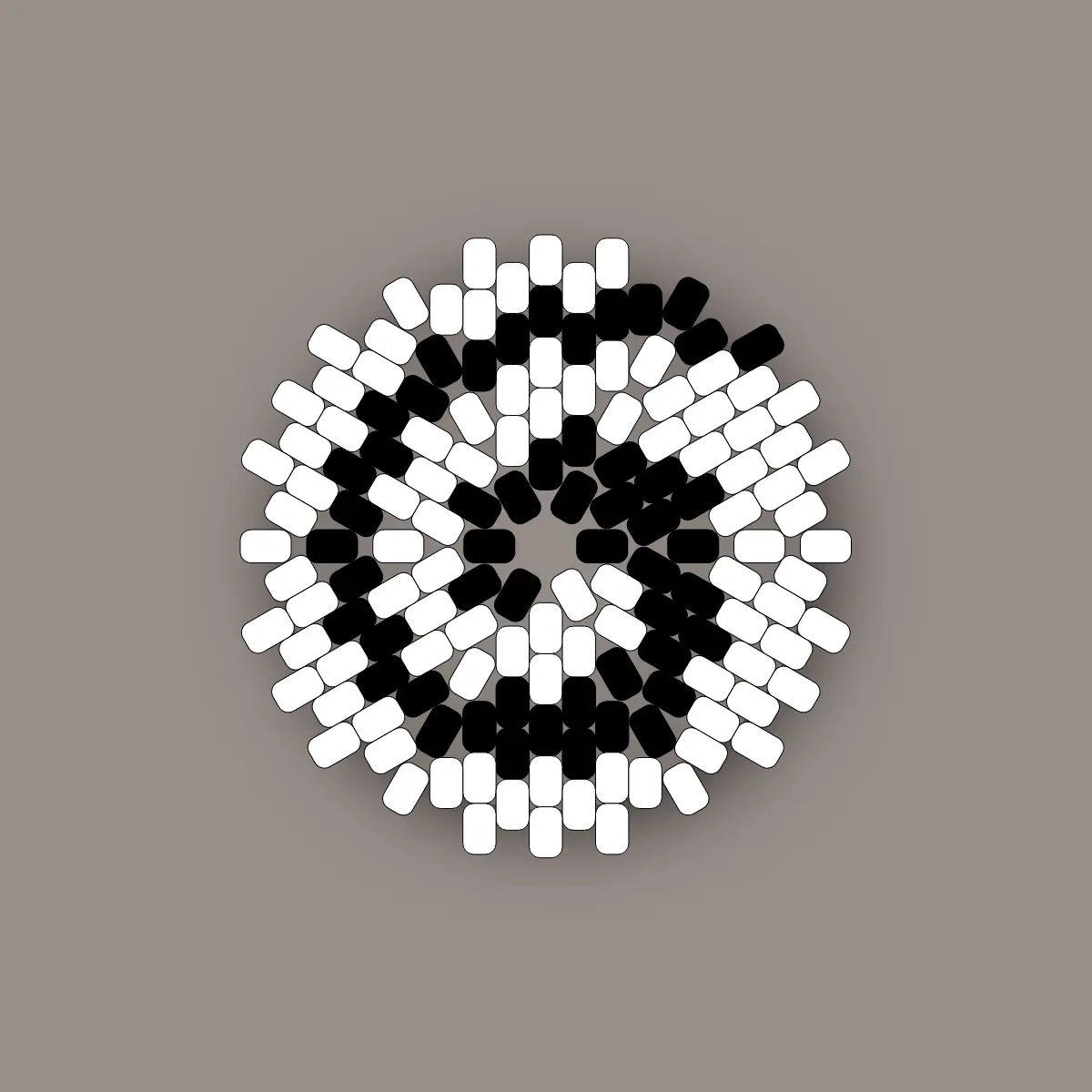
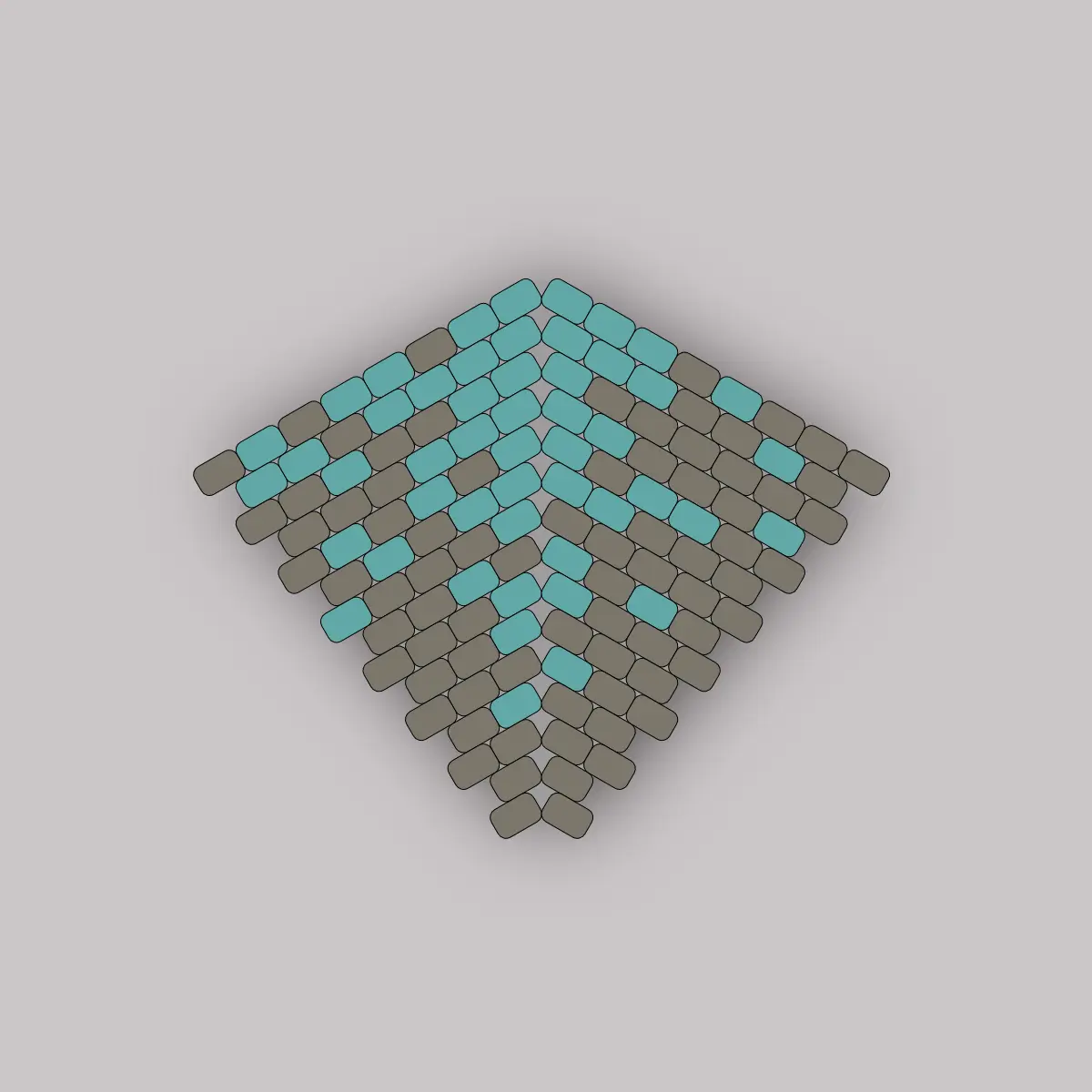
  • Peyote Stitch (Flat, Triangle, Circular, Kite Shaped, and Warped Square)
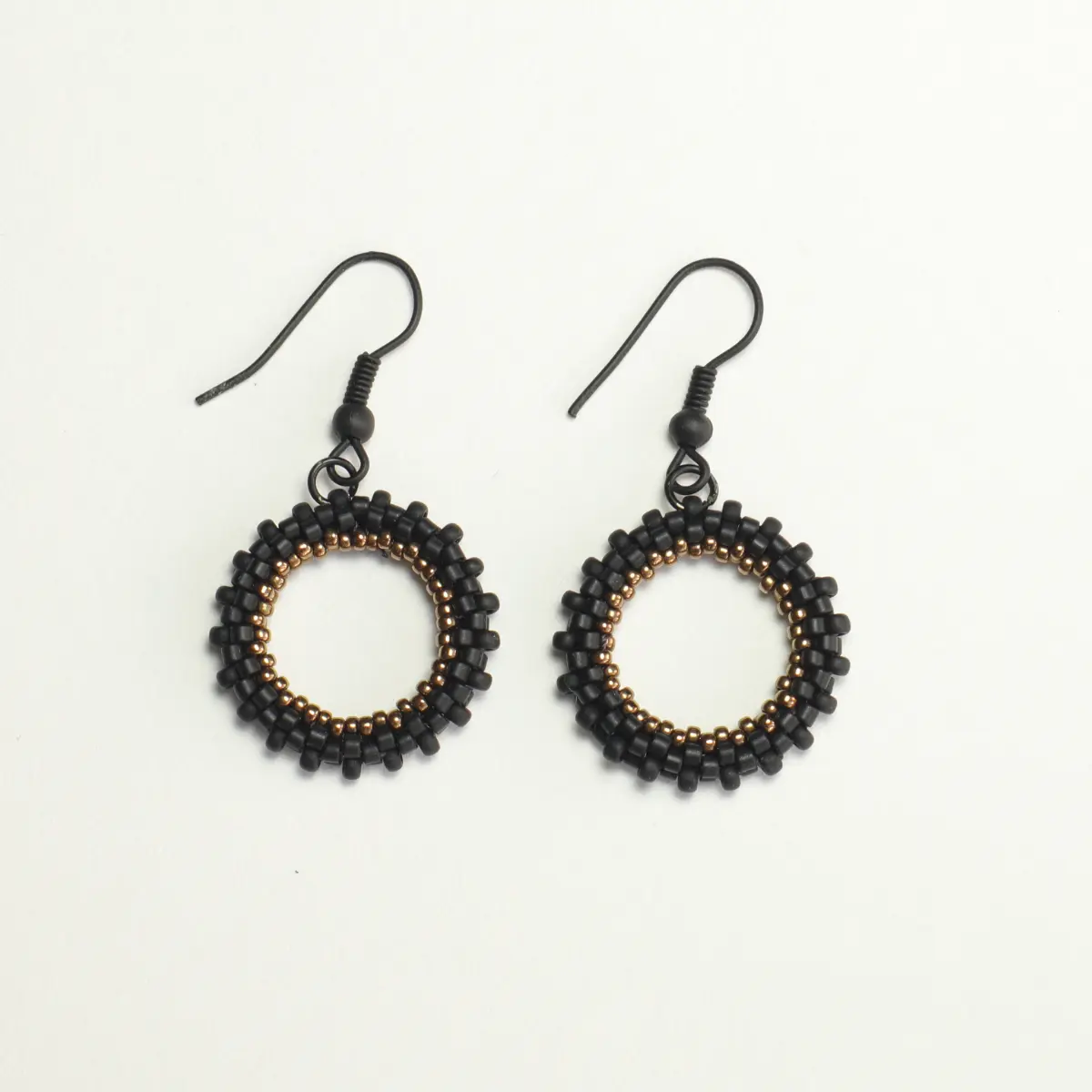
  • Beaded Hoop

Just a quick note:
Clicking the Save and Stitch button saves your design to your browser. Only one pattern can be saved at a time, so saving a new design will overwrite the previous one. To keep your patterns, save them in JSON format during the color code selection step (Step 3 on the diagram) so you can import them later on any device. Alternatively, you can print or save your pattern as a PDF after choosing your directions (Step 4 on the diagram). You can also export a backup file of your color palettes to use across other devices.

For more information and user manual: About Boncuk

If you want to work with one of my patterns…

1

Choose a pattern

2

Edit colors and size as you wish

If you want to design yourself...

1

Choose stitch type, pattern size and colors you want

2

Design your pattern

3
?

Choose your working directions

4

Start Beading!